 GAMESLASH
Image 2 Sculpt turns one image into a 3D sculpt with Blender replay
By GameSlash
The open-source skill for Codex and Claude Code checks extra camera views before fitting a mesh and records each sculpting pass for review.
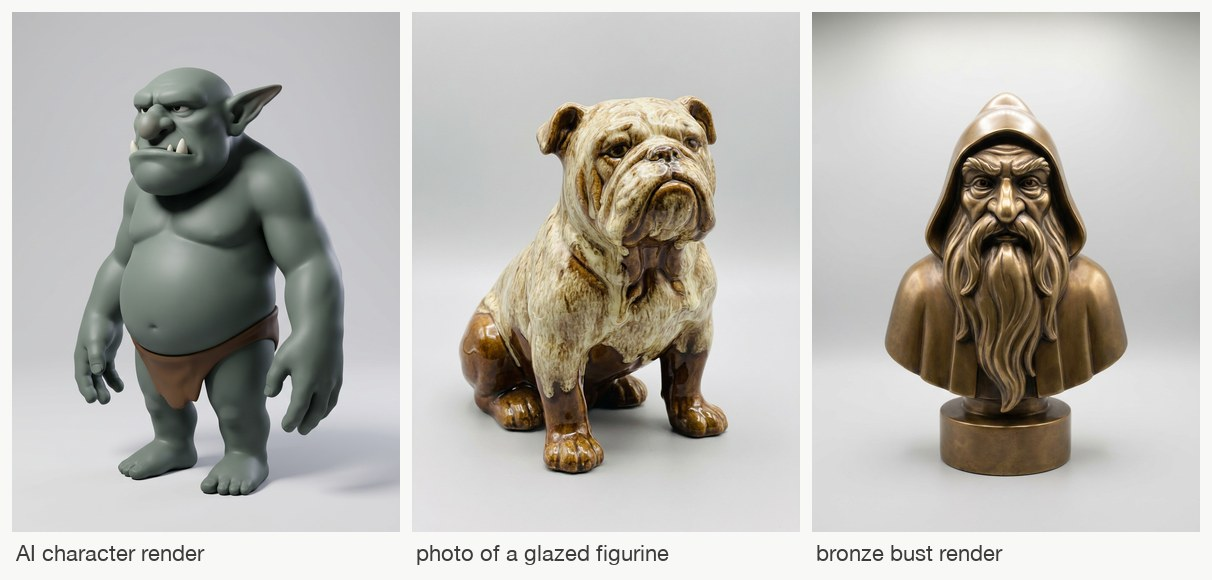
On November 8, developer gokayfem released Image 2 Sculpt 0.1.0, an open-source skill for coding agents such as Codex and Claude Code. It turns a reference image into a 3D sculpt and records the build so you can replay each pass in Blender.
The tool uses the outline, estimated depth and surface orientation of the original image to fit the side it can see. For hidden sides, it generates extra views and estimates their camera angles. It drops views whose shape disagrees with the others and holds one view out of fitting to check the result. The back is still an estimate when the only reference is a single image.
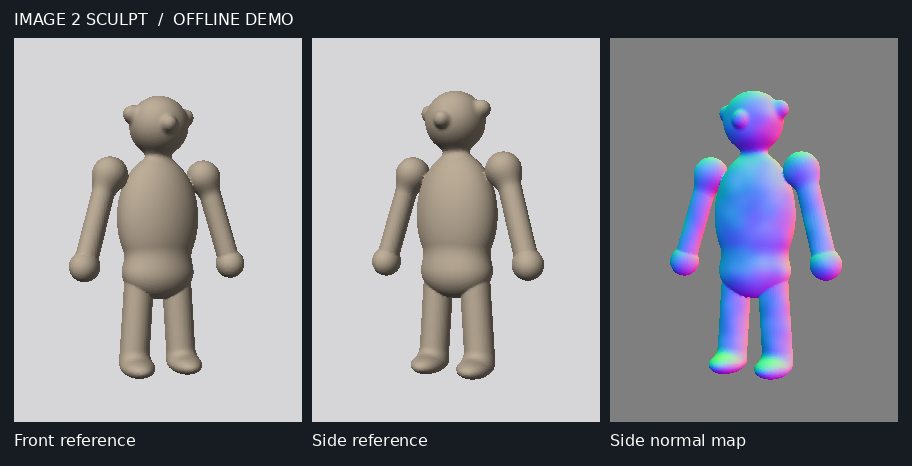
For game developers, the output can serve as a starting mesh for a character, creature or prop. The Blender replay and 360-degree turntable help you spot where the shape drifts from the reference before you spend time refining it. The toolkit exports .blend, GLB, OBJ and STL. A character headed for animation will still need a topology and polygon-budget check before rigging.
The full workflow uses Python and a fal API key for tasks such as estimating depth and generating extra views. The replay uses Blender and ffmpeg. If you already have several photos of the same object, the tool can import those in place of generated views.
Source code and installation instructions · Related on GameSlash: OpenCartridge’s multi-view 3D workflow